How to Create Service Area Pages for Your Plumbing Website (Step-by-Step)
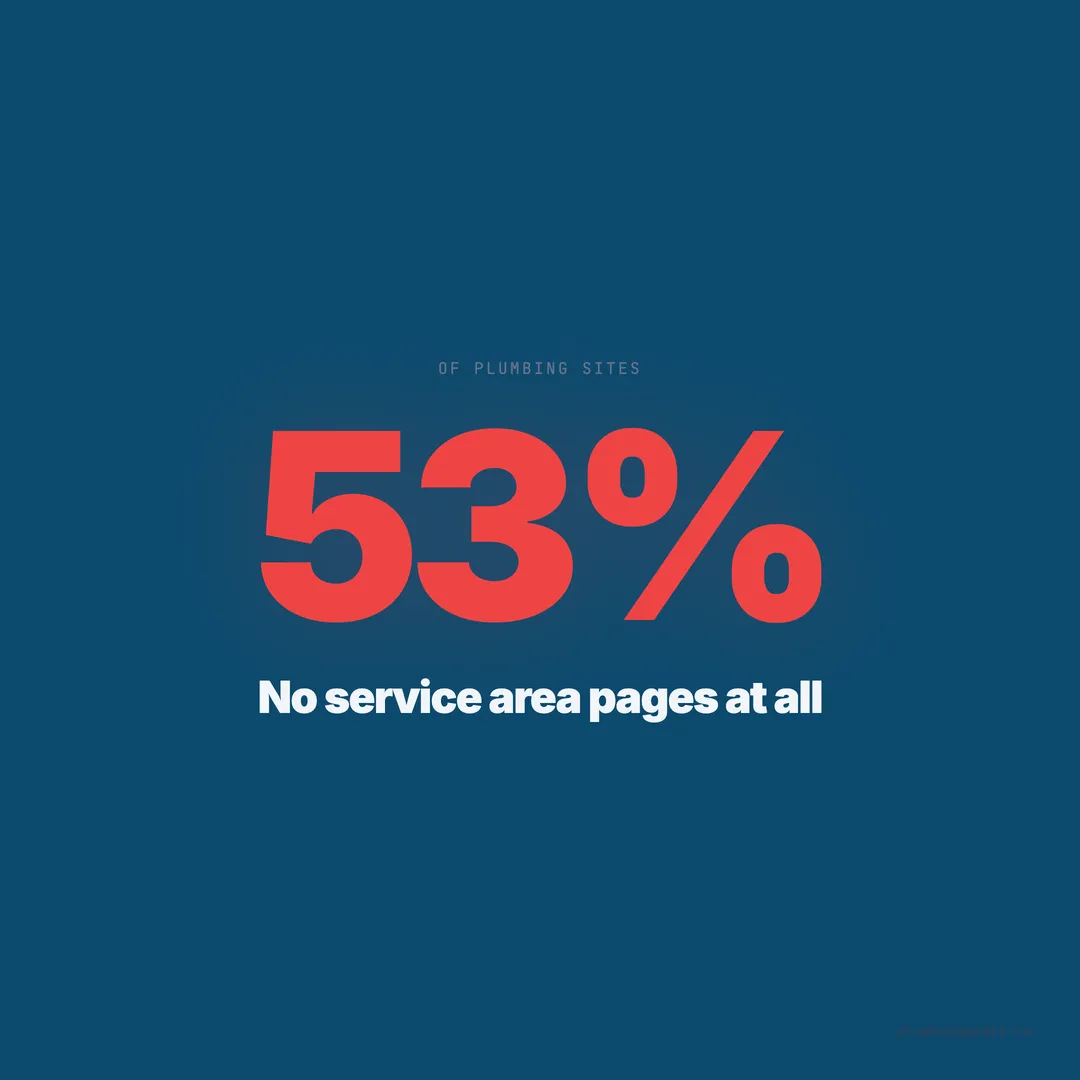
53% of plumbing websites have no service area pages. Our audit of 1,893 sites shows location pages generate 3x more local search traffic than sites without them.
A homeowner in Sugar Land, Texas searches “plumber in Sugar Land” at 11 PM. Her kitchen faucet is leaking onto the floor. She sees three plumbers in the search results. Two have dedicated pages titled “Plumbing Services in Sugar Land, TX” with local details, reviews from Sugar Land customers, and specific service information. The third plumber’s website says “We Serve the Greater Houston Area” on a generic contact page. She calls one of the first two.
When we audited 1,893 plumbing company websites across 13 states and 69 cities, we found that 53% had zero dedicated service area pages. These companies serve multiple cities but have a single website with no location-specific content. They are invisible in local search results for every city except the one where their business address sits.
Building service area pages is one of the highest-impact SEO tasks a plumbing company can do. Here is exactly how to do it right.
Why Service Area Pages Matter for Plumbing Companies
Google’s local algorithm evaluates three factors: proximity (how close you are to the searcher), relevance (how well your content matches the search), and prominence (how authoritative your site appears). Service area pages directly improve relevance by telling Google — in explicit, crawlable text — that you serve a specific city.
Without these pages, Google has to guess your service area from your business address, your Google Business Profile, and whatever location mentions it can find scattered across your site. That guessing game loses to competitors who have a clear, dedicated page for each city they serve.
The data from our audit makes this clear. Plumbing sites with 5 or more service area pages had an average audit score of 68/100, compared to 49/100 for sites with none. In competitive markets like Texas (466 sites, average score 54/100) and Florida (415 sites, average score 59/100), service area pages were the single most common feature separating top performers from the rest.
How Many Pages You Actually Need
The answer depends on your service area, but the rule is straightforward: create one page for every city where you want to appear in local search results. Most plumbing companies serve 8-25 cities within a 30-mile radius. That means 8-25 individual service area pages.
Here is how to prioritize which cities to build first:
| Priority | Criteria | Example |
|---|---|---|
| Tier 1 | Cities where you complete the most jobs | Your home city + 2-3 adjacent |
| Tier 2 | Cities with high search volume | County seats, suburbs over 50K population |
| Tier 3 | Cities where competitors are weak | Smaller suburbs with fewer established plumbers |
| Tier 4 | Expansion targets | Cities you want to grow into |
Start with your Tier 1 cities — typically 3-5 pages. Then build Tier 2 within the first month. A plumbing company with 15 well-built service area pages will outrank a competitor with zero in nearly every local query for those cities.
Our city-level data proves this. In Gilbert, Arizona — where we analyzed 78 plumbing sites — the top-scoring companies averaged 12 service area pages covering the entire East Valley. In Sugar Land, Texas (28 sites), the top performers had pages for every suburb in the Fort Bend County area.
What Goes on Each Service Area Page
A service area page is not a copy-paste of your homepage with the city name swapped in. Google penalizes thin, duplicate content. Each page needs unique, substantial content that demonstrates genuine expertise in serving that specific area.
Here is the anatomy of a high-performing service area page:
Page title format: “[Service] in [City], [State] | [Company Name]” — for example, “Plumbing Services in Sugar Land, TX | ABC Plumbing.” Keep titles under 60 characters so they do not get truncated in search results.
Meta description: 150-160 characters that include the city name and a compelling reason to click. Example: “Licensed plumber serving Sugar Land, TX since 2008. Same-day service, upfront pricing. Call for a free estimate.” Include a stat when possible.
H1 heading: Match the page title. “Plumbing Services in Sugar Land, TX” — one H1 per page, always.
Opening paragraph (unique to each city): Reference something specific about the city. Mention neighborhoods you serve within it, common plumbing issues caused by local conditions (hard water, aging infrastructure, clay soil), or your history working in that area. This is what separates a real service area page from a spammy template.
Writing Unique Content for Each City (Without Losing Your Mind)
The biggest objection plumbing companies raise is: “I can’t write 15 unique pages. I do the same work in every city.” True — but the context differs. Here are five angles that make every page genuinely unique.
Local infrastructure details. Sugar Land homes built in the 1990s-2000s commonly use polybutylene piping that is now failing. Gilbert homes built during the 2000s boom often have issues with desert-shifted foundations cracking slab lines. Every city has a plumbing story tied to its housing stock.
Neighborhood mentions. List 5-8 specific neighborhoods or subdivisions you serve within that city. “We provide drain cleaning in Telfair, First Colony, Riverstone, New Territory, and Greatwood” — this content is impossible to duplicate for another city and signals to Google that you genuinely operate there.
Local review excerpts. Pull Google reviews from customers in that specific city (with permission) and embed them on the corresponding page. A review from a Sugar Land customer on your Sugar Land page is a powerful relevance signal. Our audit found that 36% of plumbing sites display no reviews at all, so this alone is a differentiator.
Service-specific details for the area. Mention which of your services are most commonly requested in that city. “The most common call we get from Chandler homeowners is for water heater replacement — the hard water in the East Valley shortens tank life to 6-8 years compared to the national average of 10-12.”
Drive time and logistics. “Our shop is 12 minutes from downtown Sugar Land, so we typically arrive within 45 minutes of your call” — practical information that also proves you actually serve the area.
The Page Template: Structure and Sections
Each service area page should follow this structure. Aim for 800-1,200 words per page.
Section 1: Introduction (100-150 words). Establish that you serve this city. Mention years of service, number of jobs completed in the area, or a specific connection to the community. Reference one local detail that proves familiarity.
Section 2: Services offered (200 words). List your top 6-8 services with a one-sentence description for each. Link each service to its dedicated service page — for example, link “Drain Cleaning” to your main drain cleaning page. This internal linking structure strengthens both the service area page and the service page.
Section 3: Common local plumbing issues (150 words). What makes this city different? Water quality, soil type, housing age, building codes, weather-related issues. This is the section that makes each page unique and positions you as someone who understands local conditions.
Section 4: Neighborhoods served (100 words). A bulleted list of 5-10 neighborhoods, subdivisions, or zip codes within that city. This captures long-tail searches like “plumber in Telfair Sugar Land” or “drain cleaning 77478.”
Section 5: Customer reviews (150 words). Embed 2-3 Google reviews from customers in that specific city. Include their first name and the service performed. Review content naturally includes location keywords that reinforce relevance.
Section 6: Call to action. A clear CTA with your phone number (make sure it is clickable on mobile), a contact form, or an online booking widget.
Schema Markup for Service Area Pages
Every service area page should include LocalBusiness schema with the areaServed property. This tells search engines exactly which geographic area the page covers. Here is the structure.
{
  "@context": "https://schema.org",
  "@type": "Plumber",
  "name": "ABC Plumbing",
  "url": "https://abcplumbing.com/sugar-land-tx/",
  "telephone": "+1-281-555-0123",
  "areaServed": {
    "@type": "City",
    "name": "Sugar Land",
    "containedInPlace": {
      "@type": "State",
      "name": "Texas"
    }
  },
  "address": {
    "@type": "PostalAddress",
    "addressLocality": "Houston",
    "addressRegion": "TX",
    "postalCode": "77001"
  }
}
47% of plumbing websites in our audit had no schema markup at all. Adding LocalBusiness schema with proper areaServed data to each service area page gives you a significant advantage over competitors who are invisible to structured data crawlers.
For plumbing companies serving multiple cities from a single physical location, use the serviceArea property instead of a separate address for each city. Your physical address stays the same — the schema communicates that your service area extends beyond your shop location.
Internal Linking Between Service Area Pages
Service area pages should not exist as isolated islands. They need to link to each other and to your service pages in a structured way that search engines can follow.
Link from each service area page to your main service pages. When you mention “drain cleaning” on your Sugar Land page, link to your drain cleaning service page. This passes relevance between the two pages.
Link from service area pages to adjacent cities. At the bottom of your Sugar Land page, add a “We Also Serve” section linking to your Missouri City, Richmond, Stafford, and Katy pages. This creates a network of location pages that Google crawls as a connected cluster rather than disconnected orphans.
Link from your main services page to service area pages. Your top-level “Services” page should include a section listing all the cities you serve, with each city name linking to its dedicated page.
Add service area pages to your sitemap. Make sure each page appears in your XML sitemap with a proper lastmod date. Pages that are not in your sitemap may take weeks longer to get indexed.
What Not to Do: Service Area Page Mistakes
The fastest way to waste your effort — or worse, trigger a Google penalty — is to build service area pages the wrong way. Here are the mistakes we see most often.
Mistake 1: Copy-paste with city name swap. Creating 20 identical pages where only the city name changes is a thin content penalty waiting to happen. Google’s algorithms are specifically designed to detect this pattern. Each page needs genuinely unique content — at minimum 400 unique words per page.
Mistake 2: Creating pages for cities you do not actually serve. If you are a plumber in Phoenix creating a service area page for Tucson (a 90-minute drive), Google will see the disconnect between your GBP address and the claimed service area. Stick to cities within your realistic service radius — typically 25-40 miles.
Mistake 3: No local proof. A service area page without local reviews, neighborhood names, or area-specific content is just a generic page with a city name bolted on. Google and visitors can both tell the difference.
Mistake 4: Forgetting mobile optimization. 57% of local searches happen on mobile devices. If your service area pages are not mobile-friendly with clickable phone numbers and fast load times, you are losing the majority of the traffic these pages generate.
Measuring the Impact: What to Expect
After publishing 5-10 service area pages with unique content, here is the realistic timeline for results.
Month 1: Google crawls and indexes the pages. You will see them appear in Google Search Console but rankings will be minimal. Impressions trickle in.
Months 2-3: Pages start ranking on page 2-3 for city-specific keywords. You will see a 15-20% increase in impressions from local searches.
Months 4-6: With backlinks from your GBP, local directories, and internal links, pages climb to page 1. Local organic traffic increases 40-60%. Phone calls from new cities start coming in.
Months 6-12: Established pages with reviews and regular updates reach top-3 positions. A plumbing company that was invisible in 15 surrounding cities now appears in search results for all of them. Lead volume can triple compared to pre-page levels.
The Competitive Advantage Is Still Wide Open
Here is the opportunity that most plumbing companies are missing: 53% of your competitors have no service area pages at all. In many suburban markets, you can become the only plumber with a dedicated page for that city. That is not a small edge — it is the difference between showing up in search results and not existing.
The plumbing companies in our dataset that scored highest — particularly in Arizona (average score 68/100 across 132 sites) — overwhelmingly had robust service area page strategies. They did not just list cities on a generic “Areas We Serve” page. They built unique, content-rich pages for each city that demonstrated local expertise.
Building 10-15 service area pages takes a weekend of focused work. The pages will generate leads for years. And with 53% of competitors skipping this step entirely, you are not fighting for visibility — you are claiming territory that nobody else has bothered to occupy.
Want to know your score?
Drop your URL — full report in 48 hours.
We're on it.
Report in your inbox within 48 hours.