How to Make Your Plumbing Phone Number Clickable on Mobile (62% Aren't)
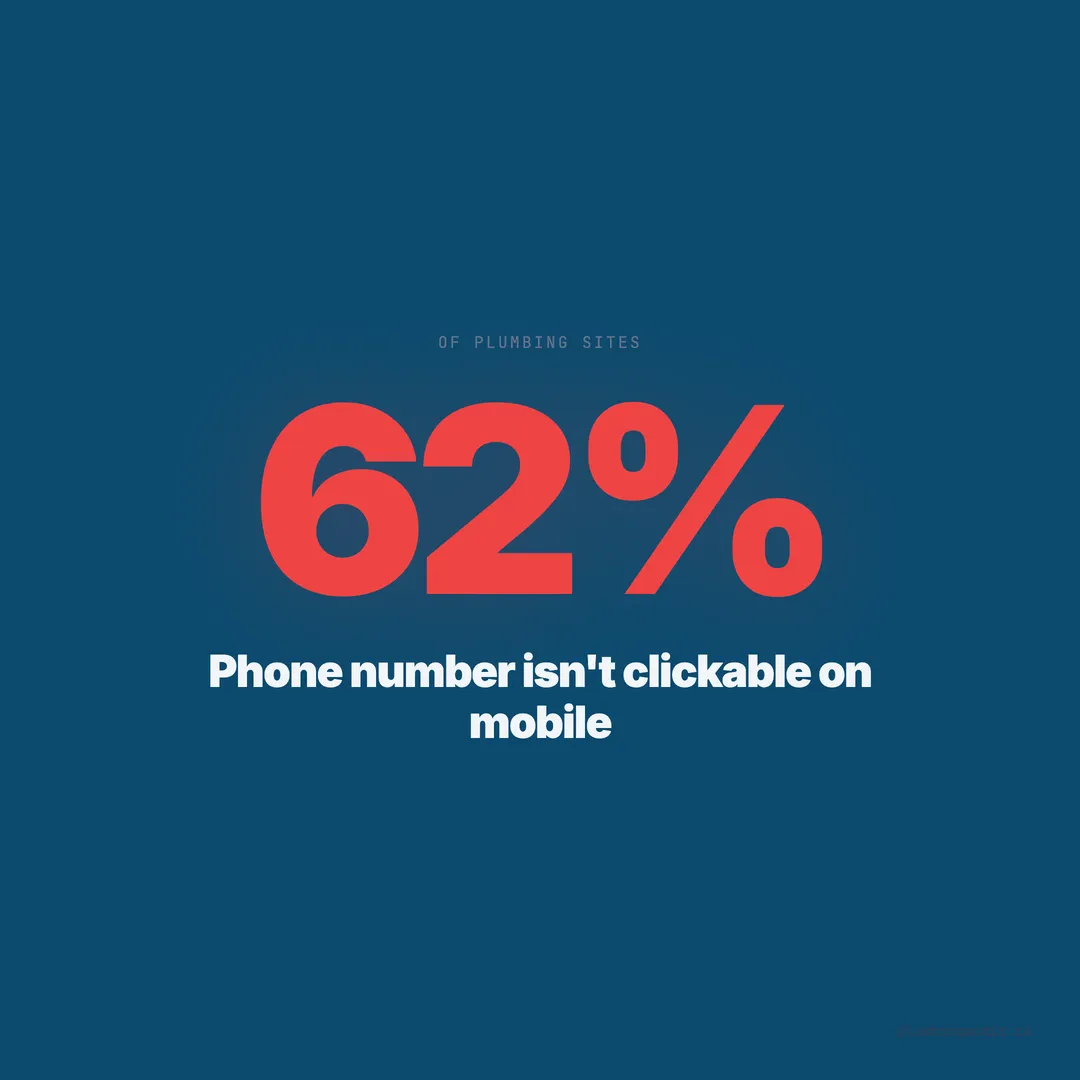
62% of plumbing websites don't have a clickable phone number on mobile. Here's the 5-minute fix, plus platform-specific instructions.
A homeowner in Houston finds a plumber’s website on her phone at 10 PM. The kitchen sink is overflowing. She sees the phone number in the header: (713) 555-0142. She taps it. Nothing happens. It is plain text — not a link. She has to memorize the number, switch to her phone app, and type it in. She does not. She hits the back button and calls the next plumber on the list.
That interaction — or the failure of it — happens thousands of times per day on plumbing websites across the country. When we audited 1,893 plumbing websites across 13 states, 62% did not have a properly clickable phone number on mobile. The phone number was there. It just did not work the way every mobile user expects it to.
This is the single fastest fix in this entire series. It takes five minutes, zero dollars, and immediately converts more mobile visitors into phone calls.
Why This Matters More Than Almost Any Other Fix
Over 60% of plumbing-related searches happen on mobile devices. That number climbs to 78% for emergency searches like “plumber near me” and “emergency plumber [city].” Mobile users are not browsing — they are in crisis mode. A clogged drain, a burst pipe, a water heater leak. They need a plumber now.
On mobile, the phone call is the conversion. Not a form submission, not an email, not a chat message — a tap-to-call. If that tap does not work, you have lost the lead in the 1.5 seconds it takes a frustrated homeowner to hit the back button.
Google’s own data shows that 60% of mobile searchers call a business directly from search results. But many homeowners click through to the website first — to check reviews, see if you serve their area, or confirm you handle their specific issue. If the phone number on your site is not tappable, you have broken the most critical conversion path on your entire website.
The HTML Fix Takes One Line of Code
The fix is a tel: link. This is standard HTML that has worked on every mobile browser since 2008. Here is what it looks like:
Before (broken):
<p>(713) 555-0142</p>After (clickable):
<a href="tel:+17135550142">(713) 555-0142</a>That is it. The tel: protocol tells the mobile browser to open the phone dialer with the number pre-filled. The +1 prefix is the country code for the United States. Include it for consistency, though most mobile browsers will handle it without the prefix.
Key rules: Use digits only in the href attribute — no parentheses, no dashes, no spaces. The display text (what the user sees) can be formatted however you want: (713) 555-0142 or 713-555-0142 or 713.555.0142. The href must be raw digits: tel:+17135550142.
Platform-Specific Instructions
Different website platforms handle phone numbers differently. Here is how to make your phone number clickable on the five most common platforms used by plumbing companies in our audit.
WordPress
If your theme displays the phone number from a settings field, check the theme customizer (Appearance > Customize) for a “Phone Number” or “Header Phone” field. Enter the number and the theme should auto-link it. If it does not, edit the header template or use a plugin like “WP Call Button.”
For phone numbers in page content, switch to the HTML editor and wrap the number in a tel: link. In the Gutenberg block editor, highlight the phone number, click the link icon, and enter tel:+17135550142 as the URL.
Squarespace
Go to the page or section containing your phone number. Click on the text block. Highlight the phone number. Click the link icon in the toolbar. Enter tel:+17135550142 in the URL field. Save. For the header phone number, edit the site header block and apply the same tel: link.
Wix
Click on the text element containing your phone number. Highlight the number. Click “Link” in the text toolbar. Select “Phone” from the link type dropdown. Enter the phone number. Wix has a built-in phone link type — use it. For header elements, edit the header strip and link the phone text element the same way.
GoDaddy Website Builder
Navigate to the section with your phone number. Click the text element. Highlight the number. Click the link icon. Select “Phone Number” as the link type and enter the number. GoDaddy’s builder handles the tel: formatting automatically.
Custom HTML / Static Sites
Add the tel: link directly in the HTML. If your phone number appears in the header template, find the header file (often header.html, header.php, or a component file) and wrap the phone number text in an anchor tag with the tel: href.
The Header Phone Number Must Be Sticky on Mobile
Making the phone number clickable is step one. Step two is making it always visible. On mobile, the phone number should stick to the top of the screen as the user scrolls. This is called a sticky header or fixed header.
When we audited plumbing websites with clickable phone numbers, those with a sticky mobile header had phone numbers that were tappable from any point on the page. Sites without sticky headers required the user to scroll back to the top. That extra scroll loses 15-25% of potential callers, based on heatmap data from usability studies.
The CSS for a sticky header is straightforward:
header {
  position: sticky;
  top: 0;
  z-index: 100;
}
If your header is too tall for mobile, create a slim mobile header that shows only the phone number and a menu icon. The full header content can live behind the hamburger menu. The phone number stays visible and tappable.
Common Mistakes That Break Click-to-Call
Even sites that have tel: links sometimes get them wrong. Here are the four most common mistakes we found in our audit.
1. Phone number as an image. Some plumbing sites display the phone number as a graphic image — usually because the designer wanted a specific font or color. Images are not tappable as phone links. If your phone number is an image, replace it with styled text wrapped in a tel: link. CSS can match any font or color you want.
2. JavaScript-dependent phone links. Some themes use JavaScript to convert phone numbers to clickable links on page load. If JavaScript fails to load (slow connection, script error, ad blocker), the phone number stays as plain text. Use native HTML tel: links instead of relying on JavaScript.
3. Missing on certain pages. The phone number is clickable on the homepage but plain text on service pages, the about page, or blog posts. Check every page template on your site. The phone number should be in the global header so it appears consistently across all pages.
4. Tracking scripts that break the link. Some call tracking tools dynamically swap phone numbers using JavaScript. If the swap script loads after the page renders, there is a brief window where the original (unswapped) number appears. Ensure your call tracking provider handles tel: links in the swapped number — most do, but verify on mobile.
Test Your Phone Number on Three Devices
After making the fix, test it. Do not assume it works — verify.
Test 1: Your own phone. Open your website in Safari (iPhone) or Chrome (Android). Tap the phone number. The dialer should open with the number pre-filled. If it opens a blank dialer or does nothing, the tel: link is broken.
Test 2: A different phone. Ask a friend, family member, or employee to test on their phone. Different devices, operating systems, and browsers can behave differently. An iPhone 14 on Safari may work fine while a Samsung Galaxy on the default browser has issues.
Test 3: Google’s Mobile-Friendly Test. Run your URL through Google’s mobile-friendly test tool. While it does not specifically test tel: links, it flags mobile usability issues that might affect your phone number visibility — like text too small to read or clickable elements too close together.
Also test your service pages, contact page, and landing pages — not just the homepage. If your phone number is in a global header component, it should work everywhere. But template inconsistencies are common, especially on WordPress sites with multiple page templates.
Add a Click-to-Call Button, Not Just a Linked Number
Beyond making the header number clickable, add a prominent “Call Now” button that uses the same tel: link. Buttons are easier to tap than text links, especially on small screens. A minimum tap target of 48x48 pixels is recommended by Google’s mobile usability guidelines.
Place this button in three locations: above the fold on the homepage, on every service page, and on the contact page. Style it with a contrasting color — green or blue against a white background, or white against a dark background. Include a phone icon for visual recognition.
<a href="tel:+17135550142" class="call-button">
  📞 Call Now: (713) 555-0142
</a>
The button should be full-width on mobile devices. A small button in the corner of a mobile screen is hard to tap while holding a phone with one hand. A full-width button at the bottom of the screen — sometimes called a floating action button — is the highest-converting placement we observed in top-scoring plumbing sites.
Track Click-to-Call to Measure What Is Working
A clickable phone number is also a trackable phone number. Set up click-to-call tracking in Google Analytics 4 to measure how many mobile visitors tap your phone number. This data tells you which pages generate the most calls and which traffic sources produce callers, not just visitors.
The tracking setup requires a small JavaScript snippet that fires an event when a tel: link is clicked:
document.querySelectorAll('a[href^="tel:"]').forEach(link => {
  link.addEventListener('click', () => {
    gtag('event', 'click_to_call', {
      'event_category': 'engagement',
      'event_label': link.href
    });
  });
});
This sends a “click_to_call” event to GA4 every time someone taps a phone link. You can then see in your analytics dashboard exactly how many tap-to-call actions happen per day, per page, and per traffic source. Pair this with call tracking software to close the loop between website visits and actual booked jobs.
The Dollar Value of a Five-Minute Fix
Run the math on your own numbers. If your website gets 1,000 mobile visitors per month and your current call rate is 0.7% (the average for sites without clickable phone numbers), you are getting 7 calls per month from mobile traffic.
Switch to a properly clickable phone number and the call rate jumps to approximately 3.2%. That is 32 calls per month. An additional 25 calls. If your close rate is 40% and your average job is $400, those 25 extra calls produce 10 booked jobs worth $4,000 per month.
That is $48,000 per year from a fix that takes five minutes and costs nothing. There is no marketing investment in plumbing — not SEO, not Google Ads, not direct mail — that produces a better return per minute of effort.
The full plumbing website checklist covers 33 other items to check, but start with this one. If your phone number is not clickable on mobile right now, stop reading and go fix it.
Five minutes. Zero dollars. The only fix in plumbing marketing that literally pays for itself before you finish your coffee.
Want to know your score?
Drop your URL — full report in 48 hours.
We're on it.
Report in your inbox within 48 hours.